
首先需要下載包。網址https://github.com/esp8266/arduino-esp8266fs-plugin/releases 我下載的是最新的包。
下載下來之後是個jar包,需要放到arduino根目錄的tools文件夾中。
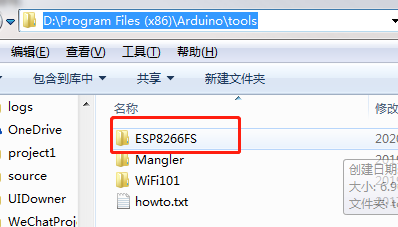
不要放錯位置。放錯位置的話,你的arduino IDE是無法在工具欄看到 這個的,切記。我一開始就是放錯了位置,結果找不到
然後呢,你需要在項目裏創建一個data文件夾。然後將需要上傳到falsh中的文件放到這個目錄中。然後點擊上麵Data Upload就可以把這些文件上傳到falsh中了
注意:上傳項目編譯文件是編譯文件,上傳data目錄文件是目錄文件。兩碼事,千萬不要混為一談
附代碼

#include <ESP8266WiFi.h>#include <ESP8266WebServer.h>#include <ESP8266mDNS.h>#include <FS.h>ESP8266WebServer server(80);void setup() {
  Serial.begin(115200);  // put your setup code here, to run once:
  WiFi.begin("kangtine","87602261");  SPIFFS.begin();//這個地方要開啟  while(WiFi.status()!=WL_CONNECTED){
      delay(500);
      Serial.println(".");
    }
          Serial.print("dns 配置中");    if(WiFi.status() == WL_CONNECTED) //If WiFi connected to hot spot then start mDNS  {    if (MDNS.begin("lsq")) {  //Start mDNS with name esp8266
      Serial.println("MDNS started");
    }
  }
    Serial.print("Wi-Fi connected,IP:");
    Serial.println(WiFi.localIP());
    server.on("/",[](){
        server.send(200,"text/html","hello from <b>ESP8266</b>.");
      });
   server.on("/index.htm",rootRouter);
     server.onNotFound([](){
        server.send(404,"text/plain","File Not found!");
      });
    server.begin();

    MDNS.addService("http","tcp",80);
    Serial.println("HTTP server started.");    int n = MDNS.queryService("http","tcp");    if(n>0){        for(int i=0;i<n;i++){
            Serial.print(i+1);
            Serial.print(MDNS.hostname(i));
            Serial.print(MDNS.IP(i));
            Serial.print(MDNS.port(i));
          }
      }else{
          Serial.print("no service found");
        }
}void loop() {  // put your main code here, to run repeatedly:    MDNS.update();
  server.handleClient();
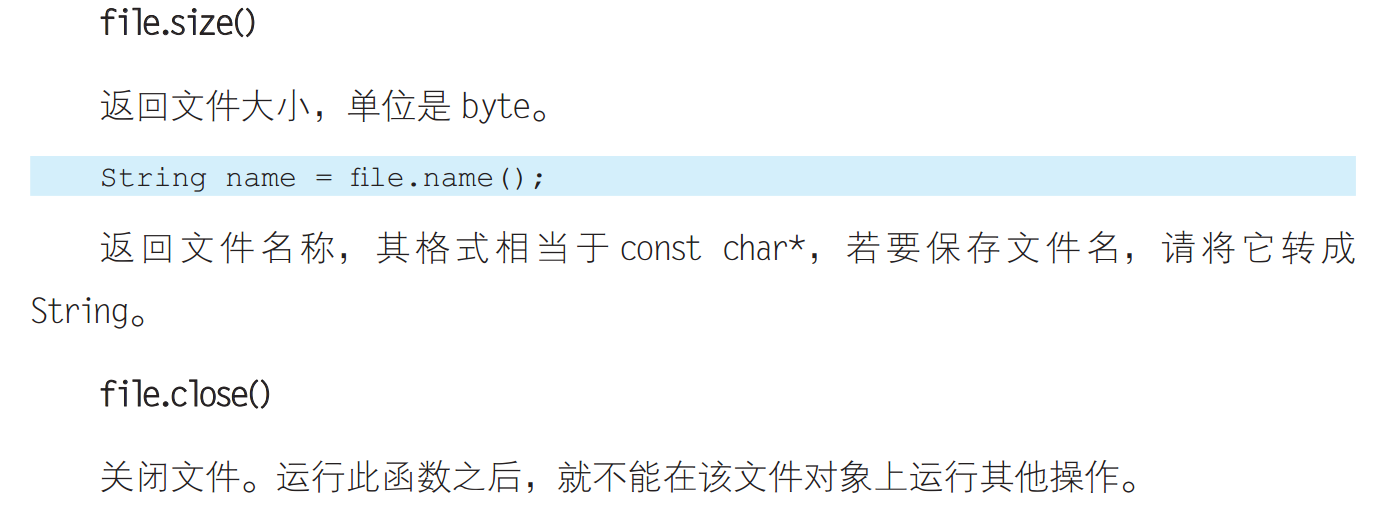
}void rootRouter(){    File file=SPIFFS.open("/index.htm","r");//以隻讀模式打開index.htm,流模式為text/html。然後關閉該文件
    server.streamFile(file,"text/html");
    file.close();
  }
至此就可以了。記得把index.htm放到data文件夾中,然後點擊Data Upload上傳
注意,如果你的index.htm裏邊引用了別的文件或者圖片。那必須在server.on()中設置
例如,如果你的index.htm中引用了某個圖片。
server.on("/img/aaa.png",imgRouter);
void imgRouter(){
 File file=SPIFFS.open("/img/aaa.png","r");//以隻讀模式打開index.htm,流模式為text/html。然後關閉該文件
    server.streamFile(file,"image/png");
    file.close();
}
這樣來操作才可以。相當的麻煩好像。。。不過貌似有好的辦法。。。
接下來讓我們認識SPIFFS文件係統
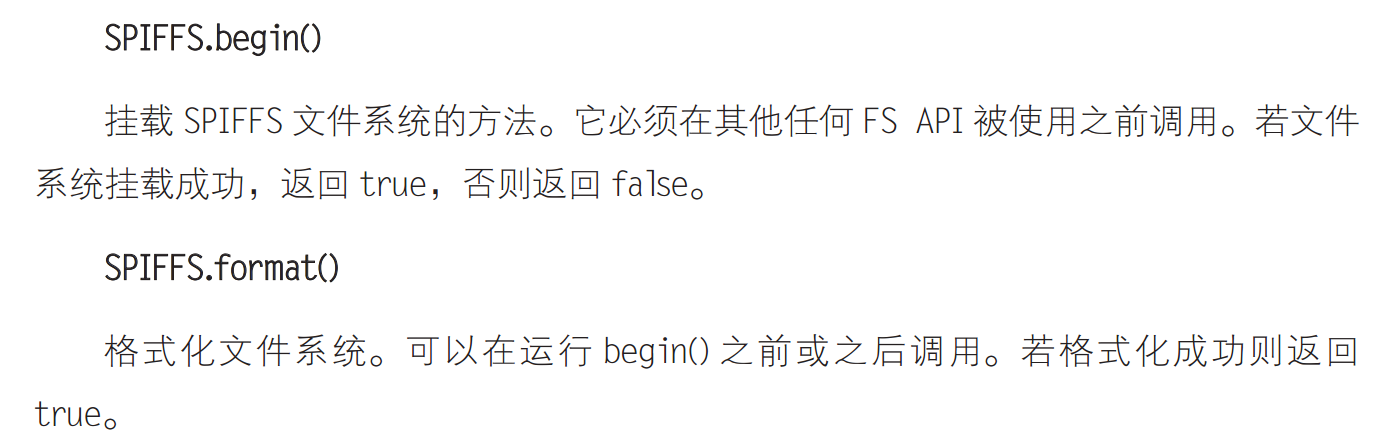
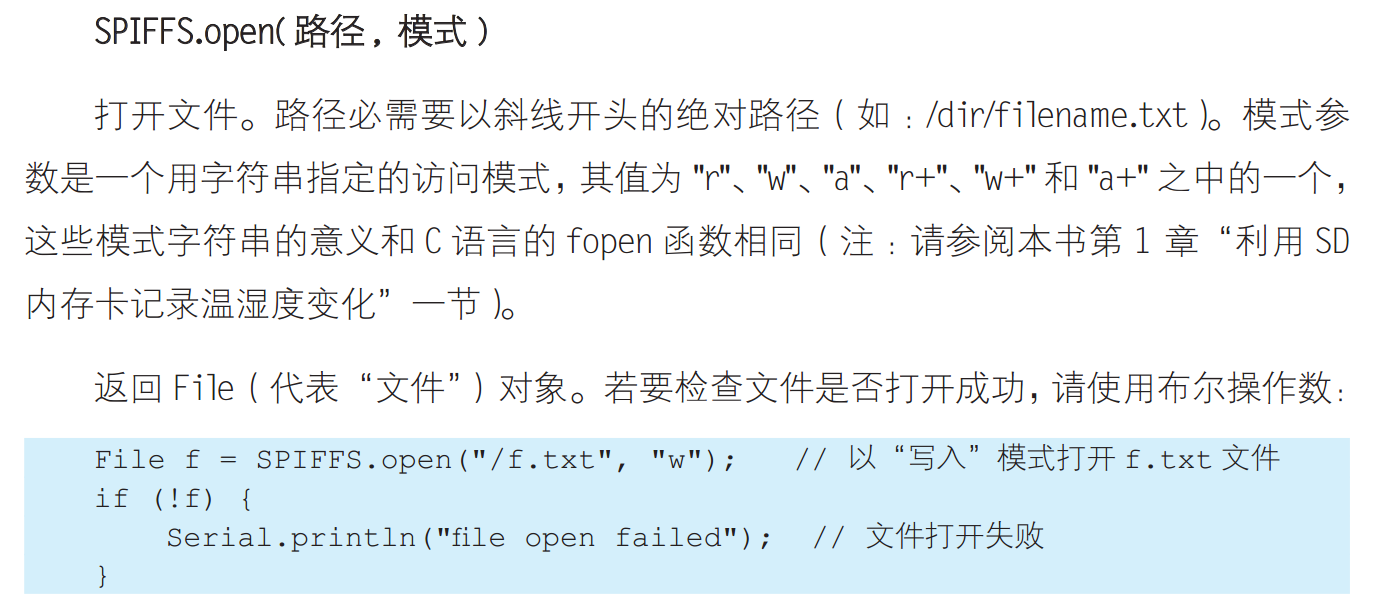
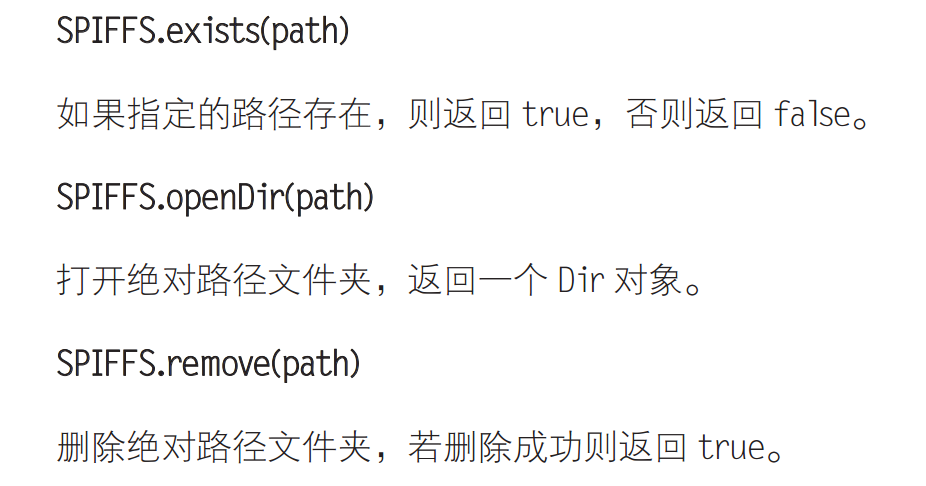

Dir 目錄對象
用法
next 下一個文件 fileName 讀取文件名 openFile 打開文件
Dir dir=SPIFFS.openDir("/data");
while(dir.next)){
Serial.print(dir.fileName());
File f = dir.openFile("r");
Serial.println(f.size());
}
File (文件)對象
SPIFFS.open 和 dir.openFile 都會返回File對象,他支持stream的所有函數。你可以使用readBytes findUntil parseInt println及其他所有stream方法
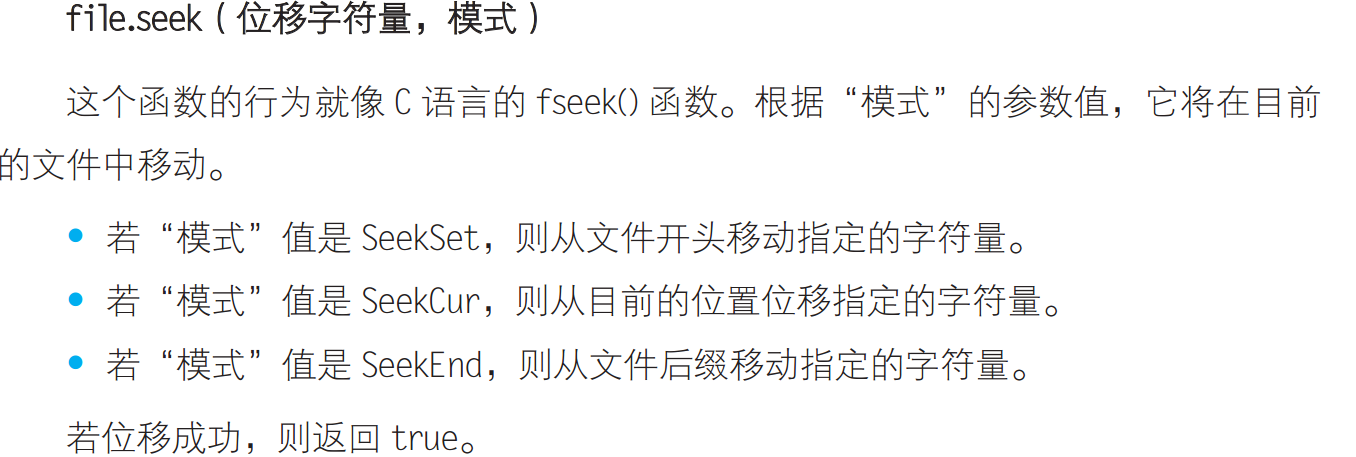
 返回目前文件的位置,單位是byte